![logo 324x70.png]](https://expertise.dovideqmedical.com/hs-fs/hubfs/Dovideq/Company/Website/logo%20324x70.png?height=40&name=logo%20324x70.png)
Step 1:
Go to the LeakControl menu.
Click the link below to see how to manually access the menu.
How to enter the LeakControl menu
Click on the link below if you are using a data matrix code scanner.
Which QuickScan codes are there for a LEAKCONTROL
Step 2:
Go to the 'Tube CALIBRAT.?' item in the menu.
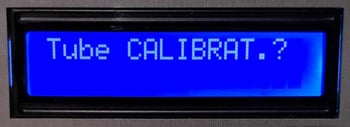
The following will appear on your screen. 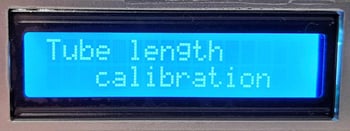
This message will automatically jump to the message in the next step.
Step 3:
The following will appear on your screen.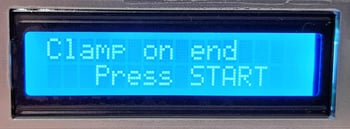
Place your tube with the connector on the LeakControl.
Pinch the tube at the back with a kocher or something similar.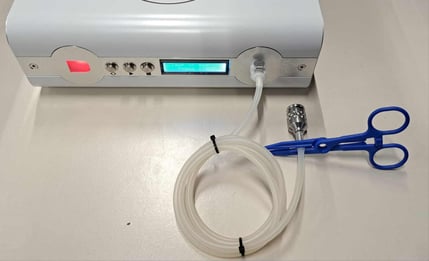
Press the Start button.
The pump will begin to pressurize the tube.
Step 4:
The following will appear on your screen.
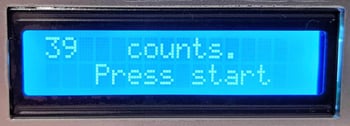
The display will show 'xx counts.'. This is a software count of how long the system needs to fill the tube.
Press the Start button.
System is ready for use.

