![logo 324x70.png]](https://expertise.dovideqmedical.com/hs-fs/hubfs/Dovideq/Company/Website/logo%20324x70.png?height=40&name=logo%20324x70.png)
- Go to EndoscopeManager.com
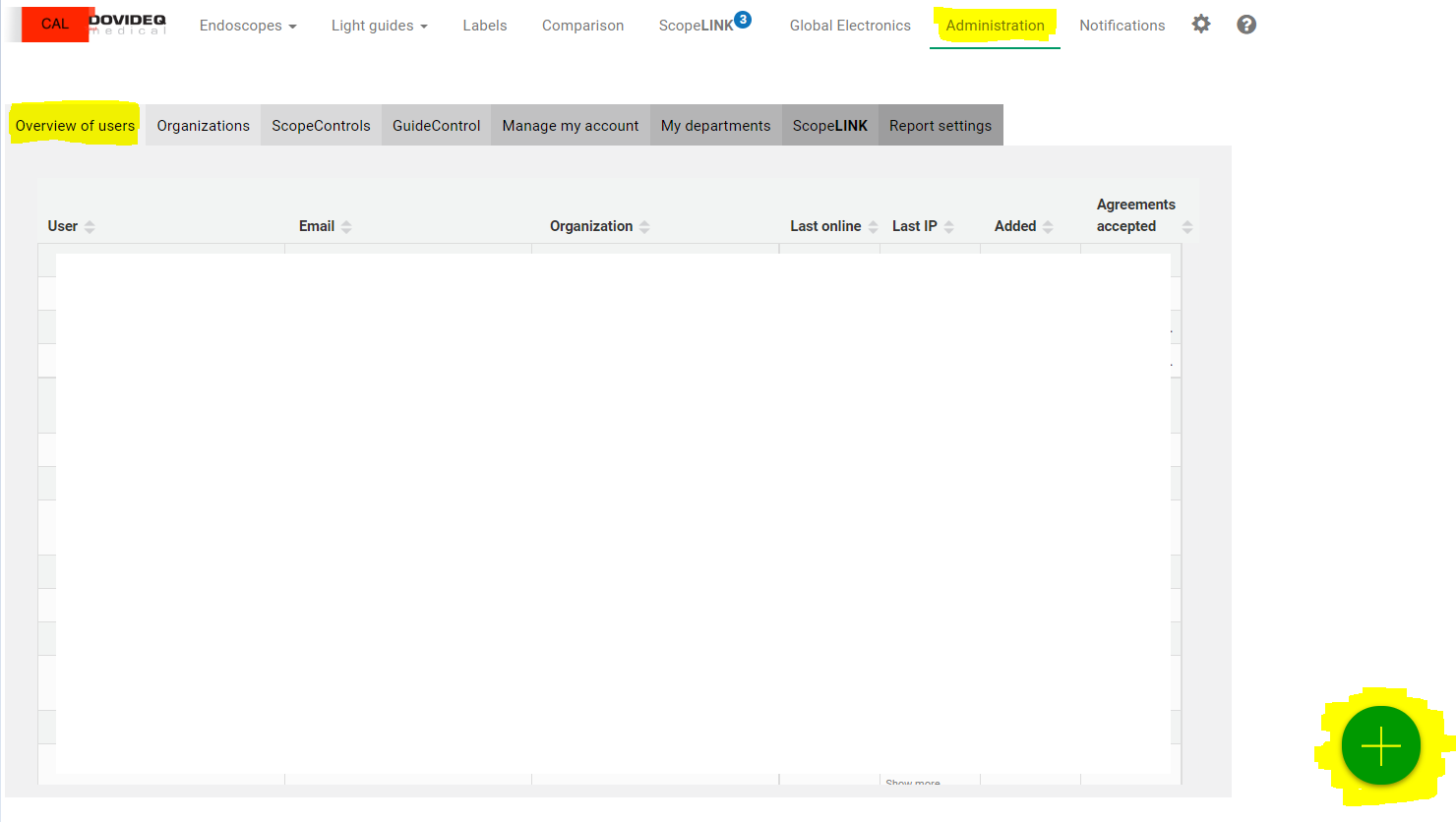
- Click on the "Administration" tab, then the "Overview of users" tab and click on the Green dot with the +
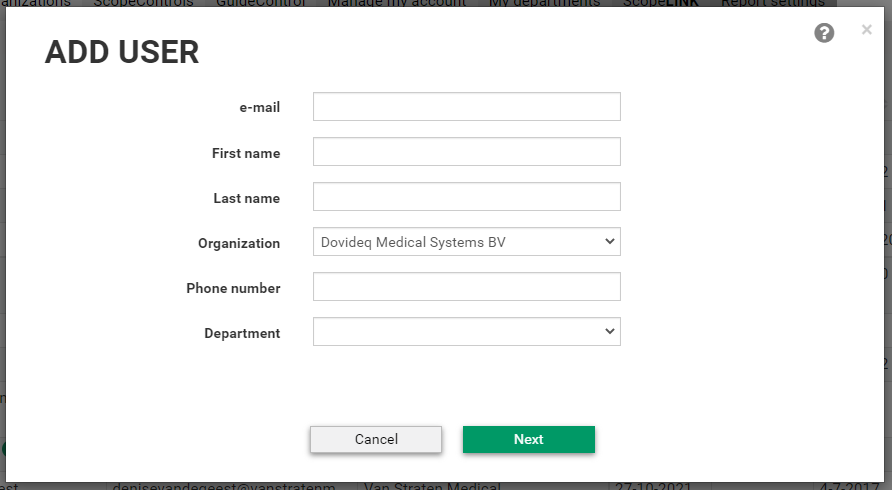
- Add user details and select the organisation + department.
- Select user's priviliges
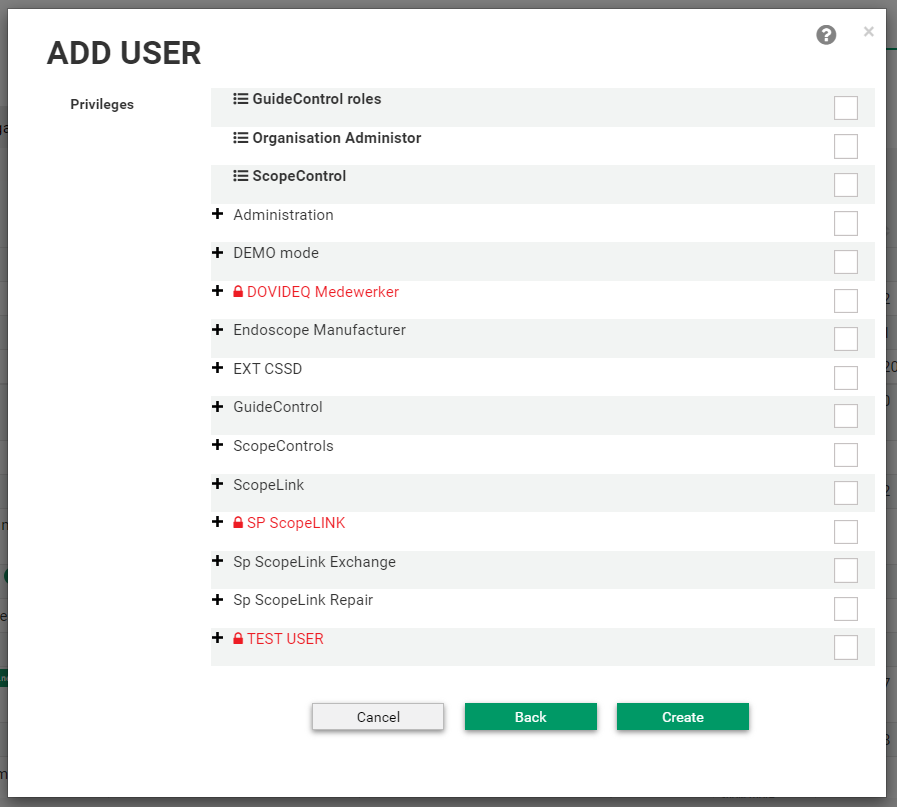
- Click "Create", and you're done. The user will now receive an activation link and set their password.

