![logo 324x70.png]](https://expertise.dovideqmedical.com/hs-fs/hubfs/Dovideq/Company/Website/logo%20324x70.png?height=40&name=logo%20324x70.png)
There are two methodes of accessing the dos cmd prompt.
Sometimes the "aaaa" doesn't work remotely then methode 2 will be helpfull.
Methode 1.
- Via the general Menu screen
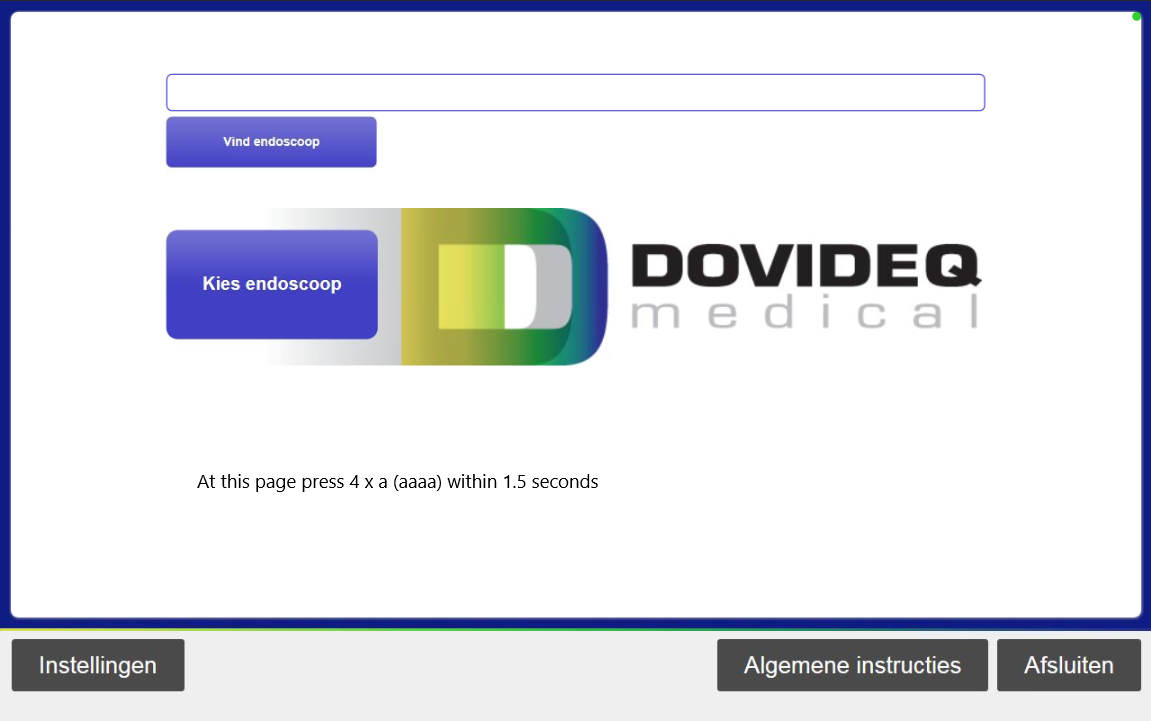
- Connect a keyboard
- Press 4 x a (aaaa) within 1.5 seconds
- Then you get access to the Utility Menu
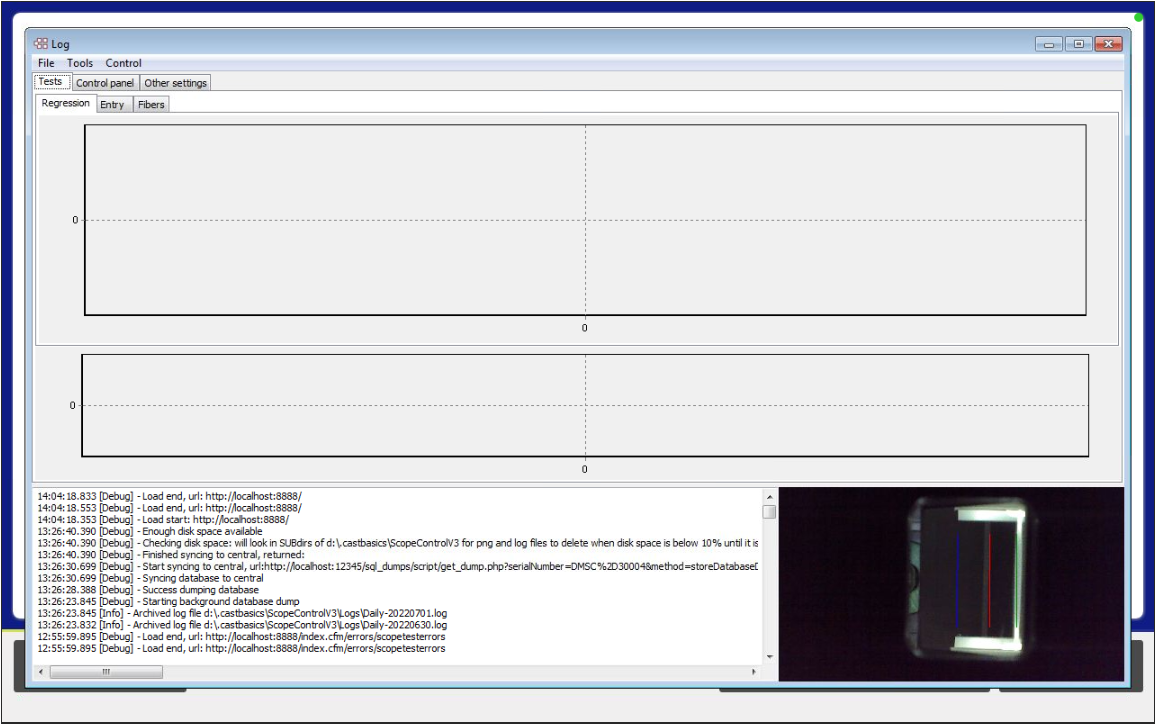
The following screen "pops-up" witin the general Menu screen
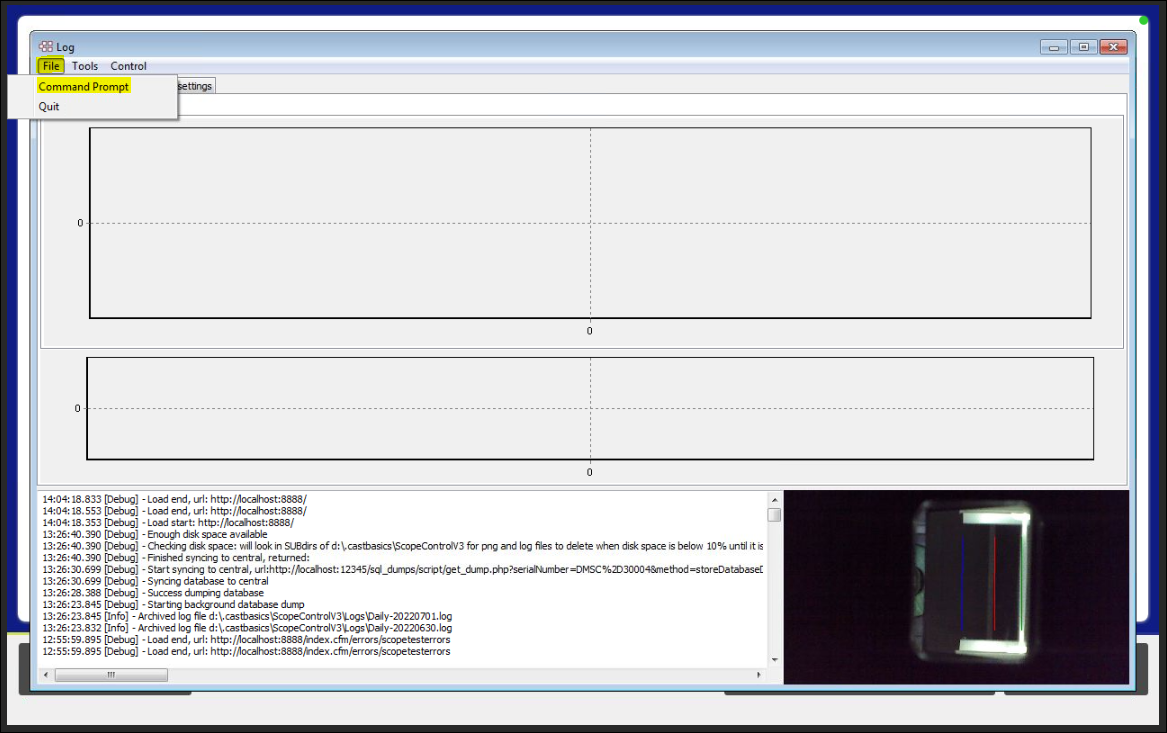
Click on [File] and choose [Command Prompt]
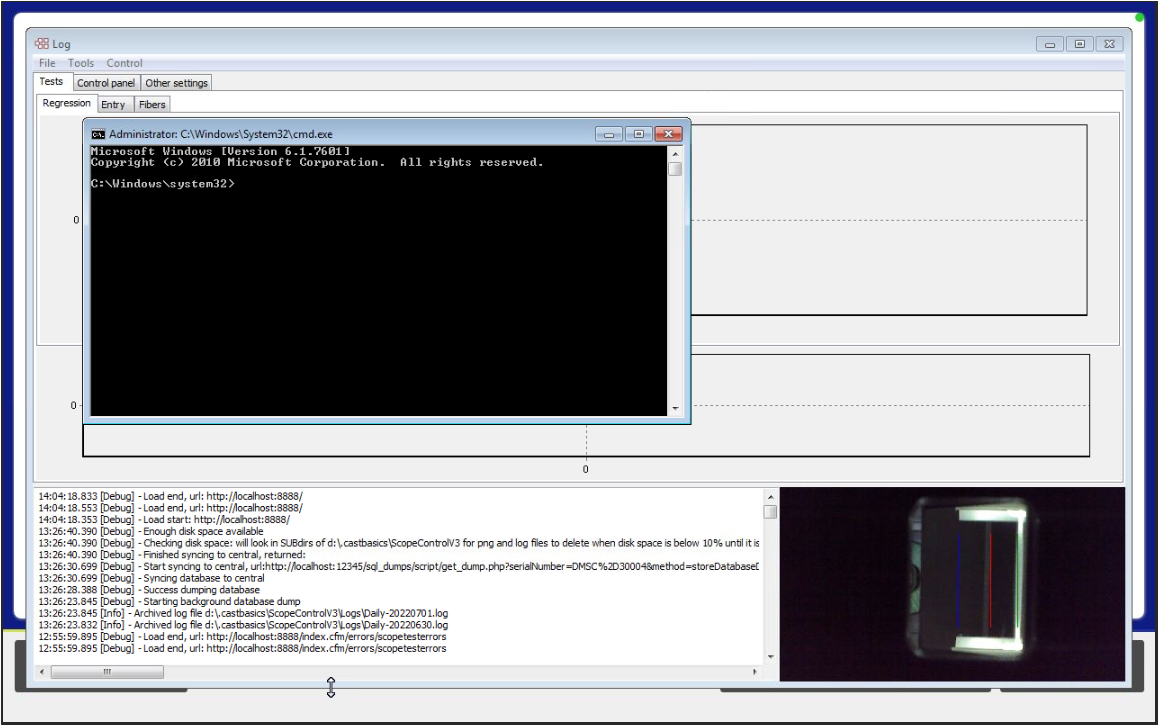
The DOS command window "cmd" will show.
Methode 2
Via the DOS cmd application
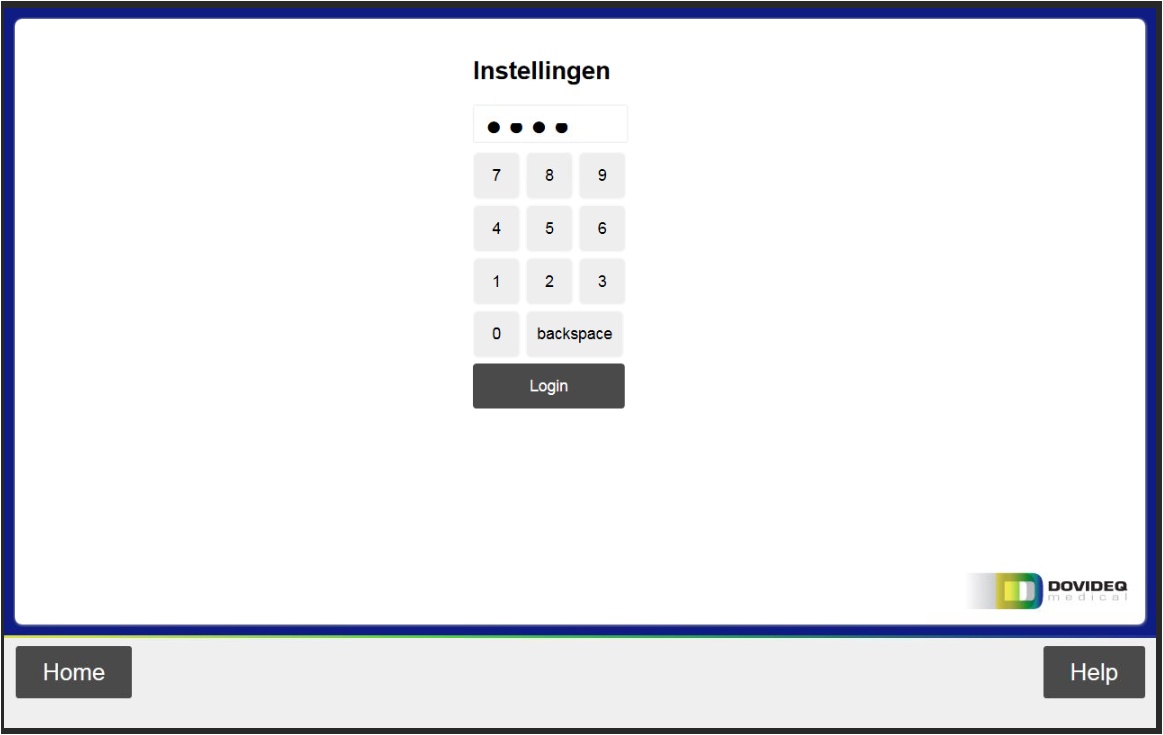
In the main Menu go to [Settings] and fill in the password 1234 followed by [Login].
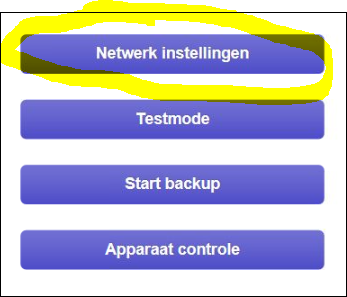
Click on [Network Settings]
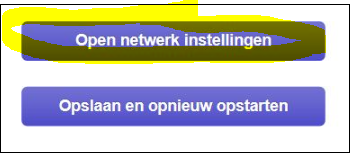
and click [Open Network Settings]
click [Computer]
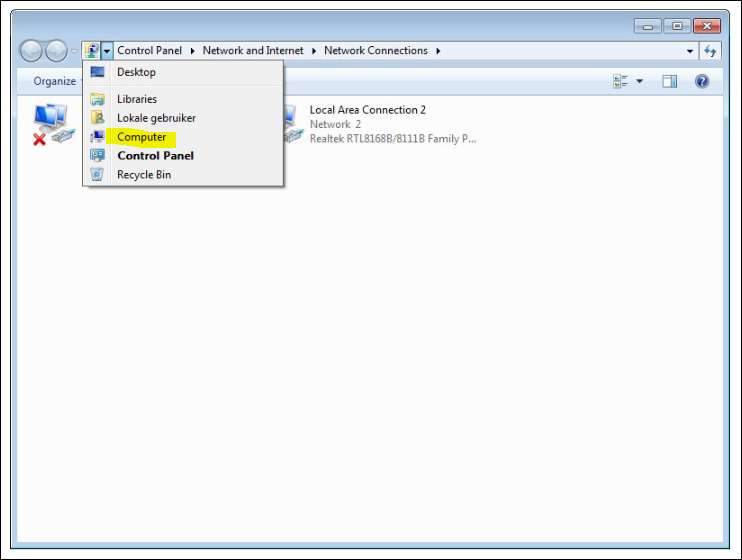
Goto [System (C:)] [Windows] [System32] and find the cmd application.
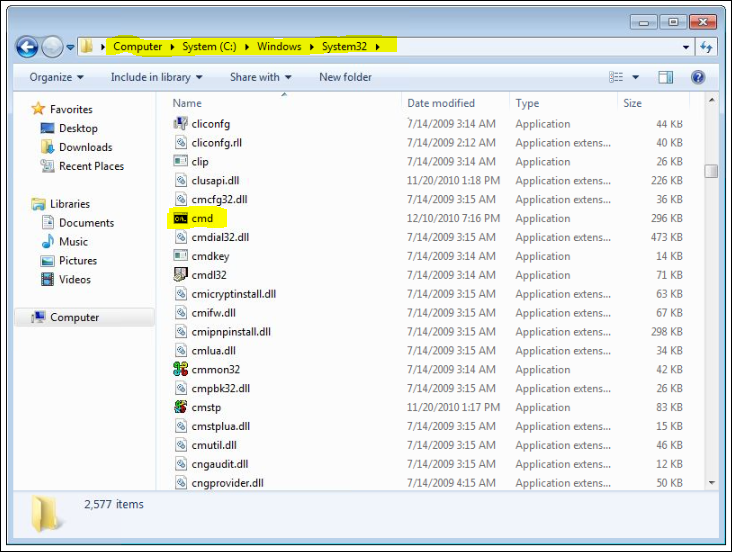
Double click and the command prompt window will appear.
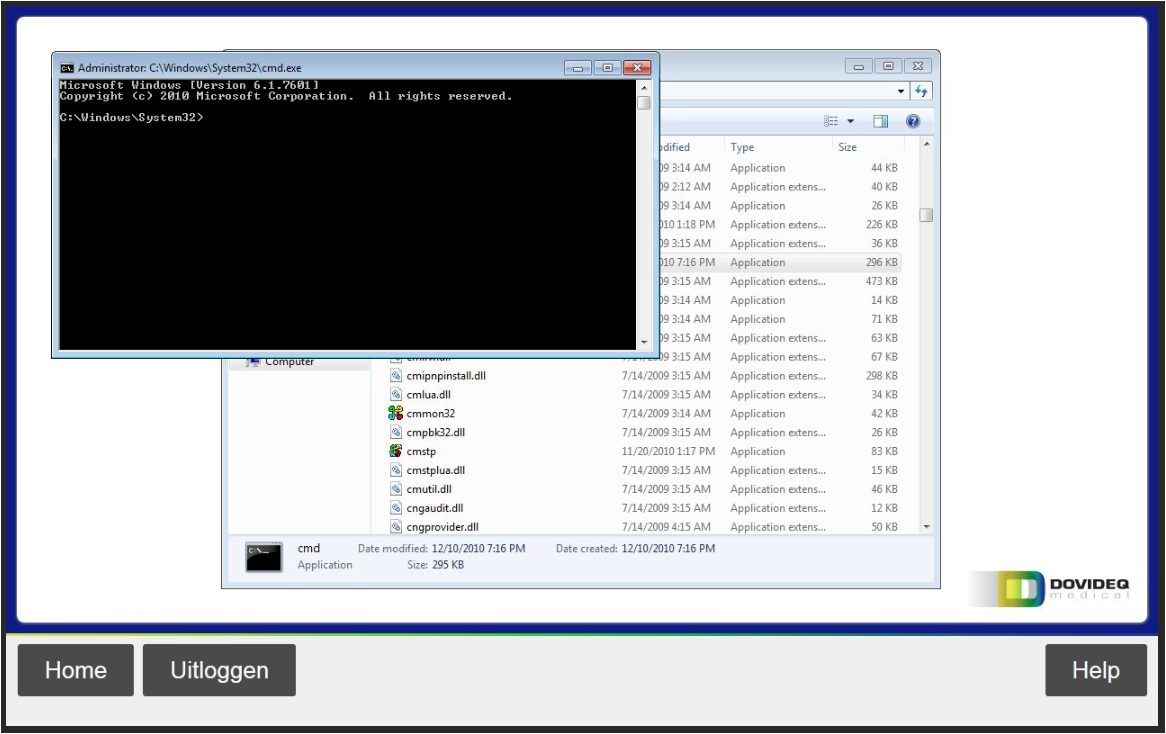
You're done.

